EagleKGR Chrome Extension: Install and First Keyword Check
Install EagleKGR from Chrome Web Store, run your first KGR check, use batch mode for 50+ keywords, and export results—step-by-step with troubleshooting.
EagleKGR Chrome Extension: Install and First Keyword Check
"The Chrome Extension is intended to make my previously described approach to initial keyword research based on a seed keyword easier." — r/bigseo
I built EagleKGR because I was tired of opening seventeen Google tabs for one keyword list. Copy allintitle count. Paste into Sheets. Fat-finger the volume. Recalculate. Repeat until my wrist hurt.
The extension does one job: run allintitle + search volume + KGR while you stay inside Google. No CSV upload to a stranger's server. No $29/month subscription for basic math.
This is the install guide I send every time someone asks "how do I actually use EagleKGR?" — from Chrome Web Store click to your first green Excellent rating.
What EagleKGR Does in One Sentence
EagleKGR is a free Chrome extension that batch-calculates Keyword Golden Ratio by pulling allintitle counts from Google Search and search volume from Google Keyword Planner — then labels each keyword Excellent, Good, or Poor.
New to KGR? Read KGR for Beginners. New to allintitle? See What Is allintitle?.
Install From Chrome Web Store
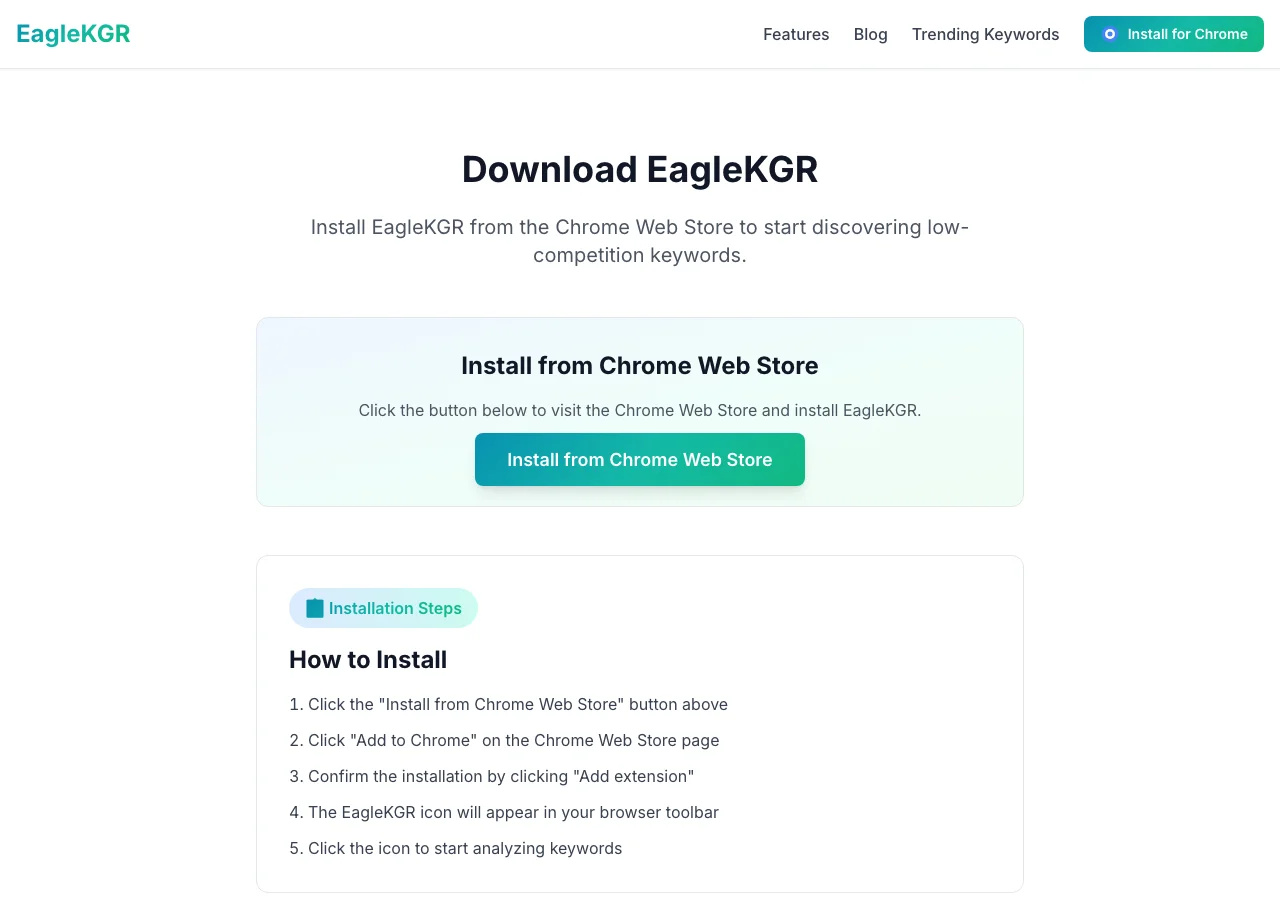
- Go to the download page or Chrome Web Store.
- Click Add to Chrome.
- Confirm permissions — access to Google Search and Keyword Planner tabs.
- Pin the icon to your toolbar.
Installation takes 30 seconds. No account signup.
"I highly recommend using the MozBar and Ahrefs SEO Toolbar." — r/SEO
EagleKGR fills a different gap: bulk allintitle + KGR, not domain metrics.
First Keyword Check (Single Mode)
- Open Google in Chrome.
- Click the EagleKGR icon.
- Enter one keyword:
how to descale keurig with vinegar - Click Analyze.
- Read allintitle, volume, KGR, and rating.
Example from my test:
- allintitle: 38 · volume: 170 · KGR: 0.22 · Excellent
Compare with one manual check after install. Builds trust.
Batch Mode for 50+ Keywords
- Open Google Keyword Planner (logged into Google Ads).
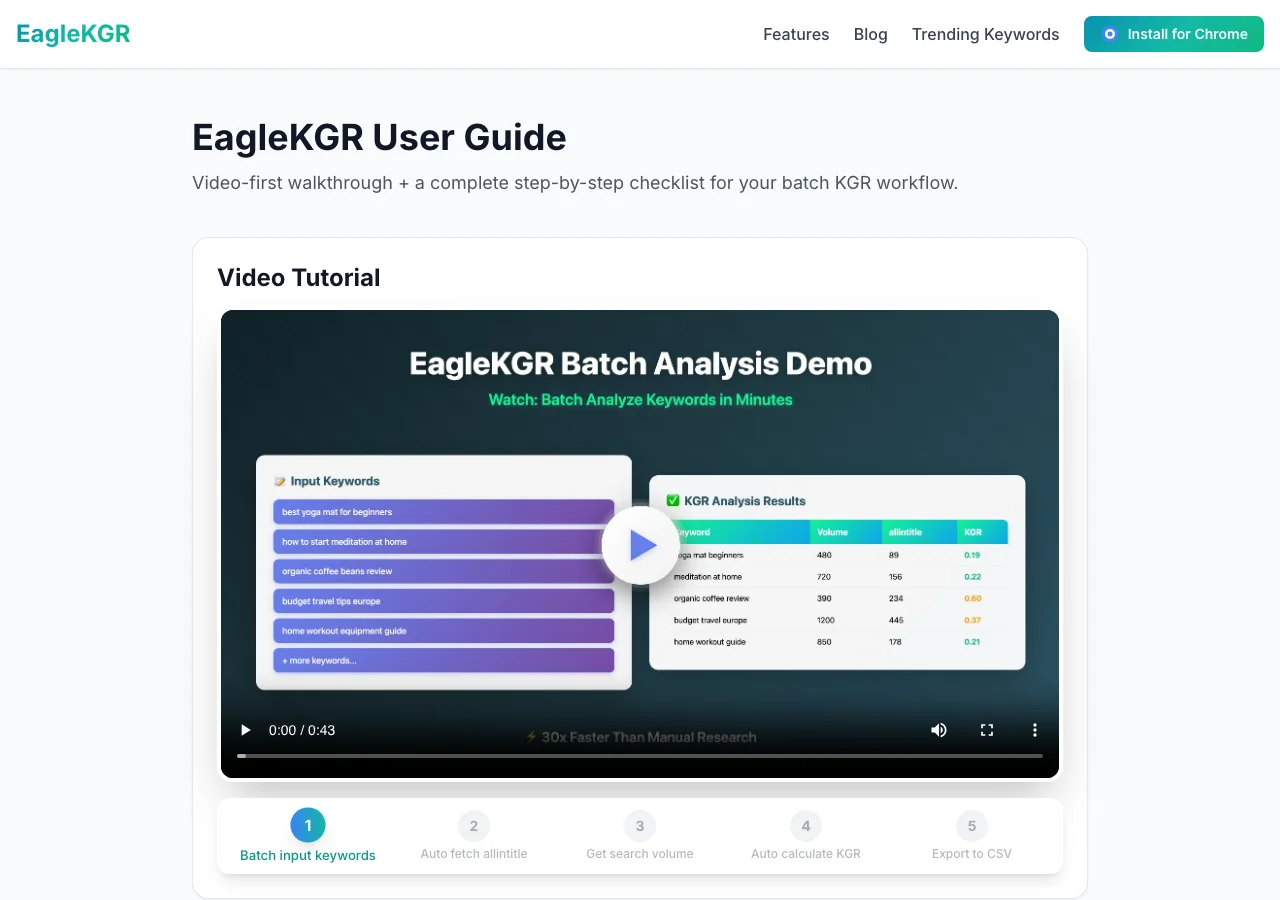
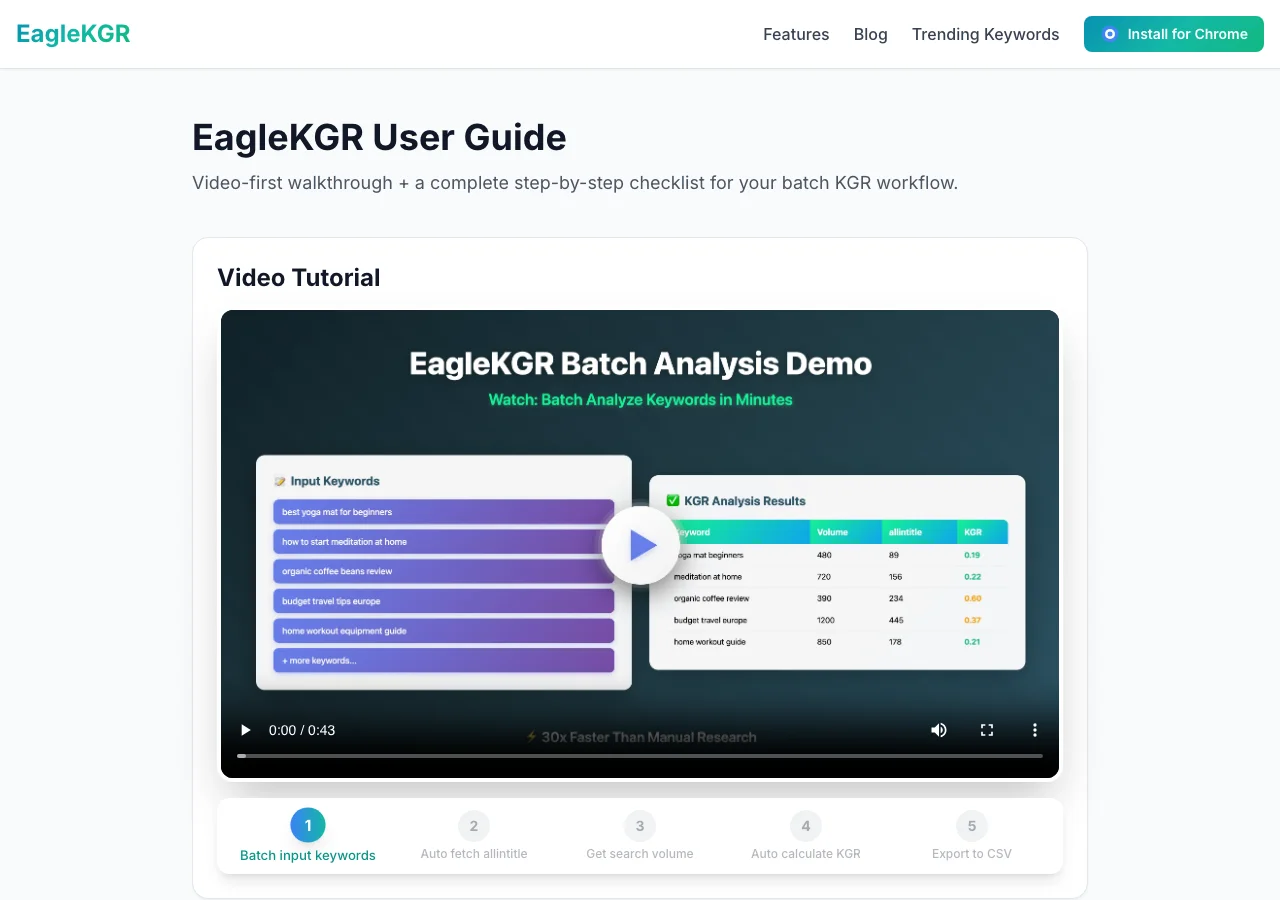
- EagleKGR icon → batch input.
- Paste keywords, one per line.
- Click Start Analysis.
- Import volume from Keyword Planner when prompted.
- Sort by rating. Export CSV.
Full long-tail workflow: Long-Tail Keyword Research with KGR Batch Mode.
Note
Most allintitle SaaS tools charge per keyword. EagleKGR core KGR batch loop is free for typical indie site volumes.
Reading KGR Ratings
| Rating | KGR range | My action |
|---|---|---|
| Excellent | < 0.25 | Write this week |
| Good | 0.25 – 1.0 | Queue later |
| Poor | > 1.0 | Skip unless strategic |
Classic thresholds from Doug Cunnington. Ratings filter — SERP still decides. See KGR vs Keyword Difficulty.
Export and Next Steps
- Import CSV into your KGR spreadsheet
- Add SERP Notes
- Write 5–10 Excellent keywords
- Internal link cluster posts
More automation: Automate KGR Keyword Research. Full docs: user guide.
Troubleshooting
CAPTCHA during batch — Reduce to 30–40 keywords. Wait an hour.
Volume shows zero — Log into Keyword Planner first. Some terms show 0–10 range.
Count differs from manual — Incognito check once. Under 10% drift is normal.
Icon grayed out — Refresh tab. Re-pin extension.
Planner not connecting — Run a search in Planner, then retry import.
How EagleKGR Compares to Keywords Everywhere
"Keywords Everywhere extension and KeywordPlanner.net is pretty amazing." — r/shopify
KE shows volume inline. It doesn't batch allintitle or calculate KGR. See KGR Tools Compared 2026.
Frequently Asked Questions
Last updated: June 28, 2026 · Author: EagleKGR Team — niche site keyword research since 2019
Ready to find low-competition keywords?
Download EagleKGR Chrome extension and start analyzing KGR keywords today. It's free!
Download EagleKGRRelated Articles
What Is allintitle? The KGR Search Operator Explained
What is allintitle? Learn the Google operator behind KGR, how it differs from intitle, and how to read result counts without inflating competition.

Bulk KGR Checker: Save 10X Time on Keyword Research
Stop wasting hours on manual KGR calculations. Learn how bulk KGR checkers process hundreds of keywords in minutes, compare top tools, and calculate if they're worth the investment.

KGR for Beginners: Start Ranking in 24 Hours
Learn the Keyword Golden Ratio (KGR) method that helps beginners rank on Google fast. Step-by-step guide with real examples and free tools.