How to Calculate KGR Manually (Step-by-Step)
Calculate Keyword Golden Ratio by hand: get search volume, run allintitle correctly, divide, and interpret scores under 0.25—without common mistakes.

How to Calculate KGR Manually (Step-by-Step)
"KGR stands for Keyword Golden Ratio - a keyword research method that helps you to find keywords that you can rank for immediately." — r/SEO
The first time I calculated KGR by hand, I used the wrong number from Google. Looked up search volume from the wrong column in Keyword Planner. Divided. Got 0.04. Published an article.
It never ranked. The allintitle count was wrong because I forgot quotes around a four-word phrase.
Manual KGR isn't hard. It's just easy to mess up in small ways that waste weeks. This guide is the checklist I wish I'd had — every click, every typo to avoid, with real numbers.
If you need the formula explained from scratch, start with KGR for beginners. This article assumes you know why KGR exists and focuses on how to run it without a tool.
What You're Calculating (Supply ÷ Demand)
KGR = allintitle results ÷ monthly search volume
Target KGR under 0.25 with volume under 250 on new sites. That ratio comes from Doug Cunnington's KGR research.
"The KGR measures the imbalance between the two. And does it in a simple, easy and elegant way." — r/juststart
Step 1: Get Monthly Search Volume
Open Google Keyword Planner.
- Click Discover new keywords
- Enter your exact phrase in quotes
- Note average monthly searches for your target country
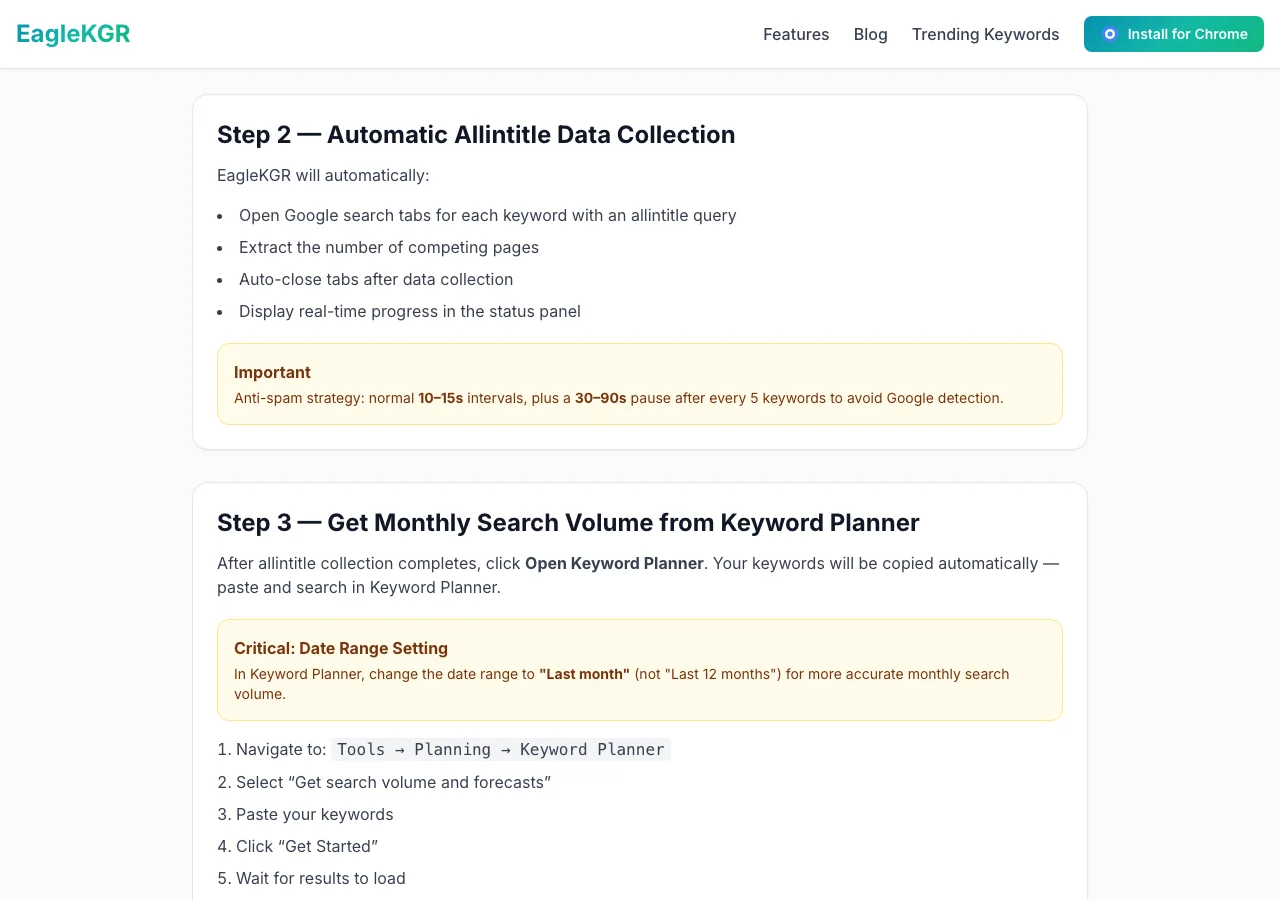
Log volume in your KGR spreadsheet.
Step 2: Get the allintitle Count
Open Google in incognito.
allintitle:"how to descale keurig with vinegar"
| Rule | Wrong | Right |
|---|---|---|
| Quotes | allintitle:how to descale | allintitle:"how to descale keurig with vinegar" |
| Colon space | allintitle: keurig | allintitle:keurig |
| Operator | intitle: | allintitle: |
Use the first About X results number. See what is allintitle.
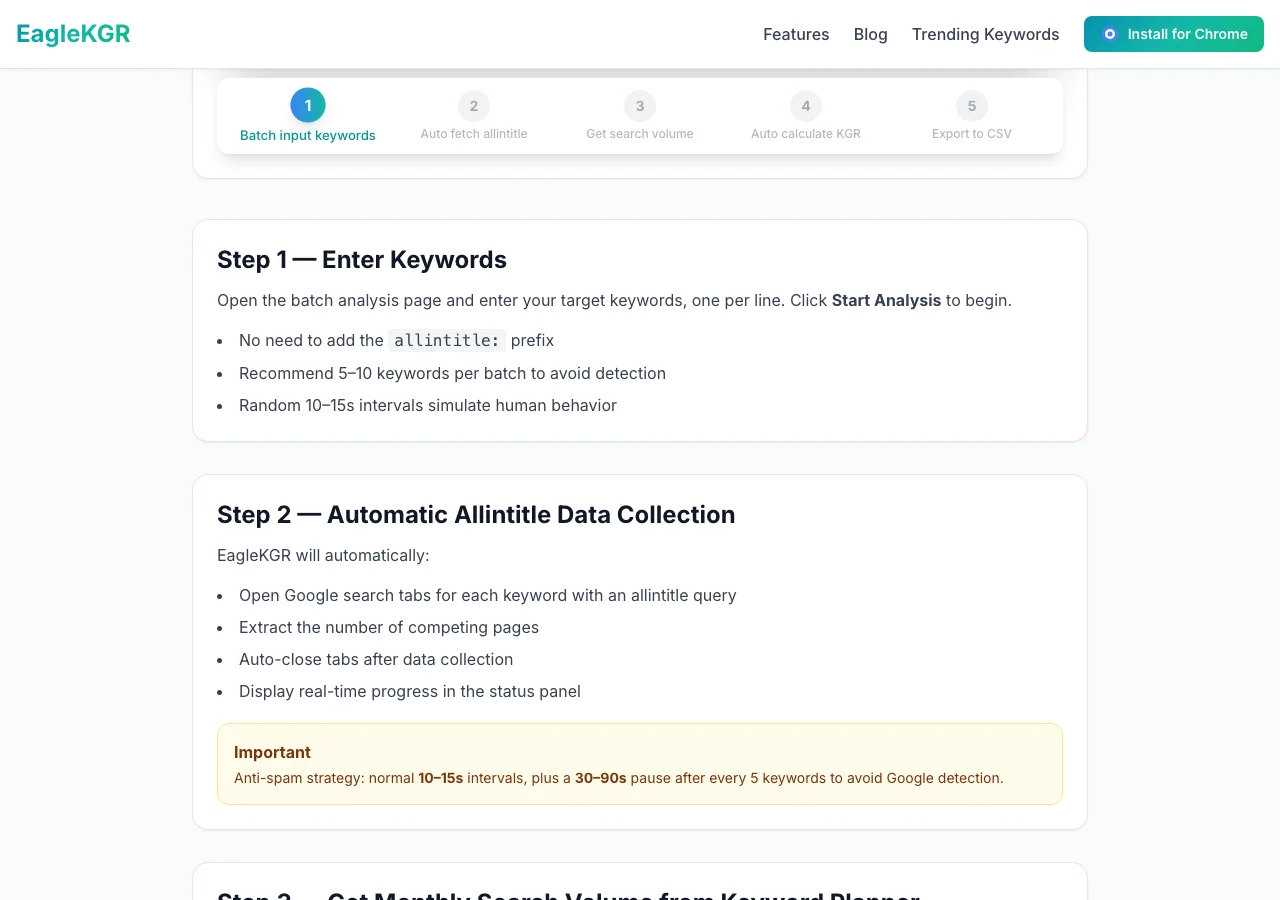
"Using allintitle:keywords you will return URLs with keywords in the title tag. Below 5,000 results, consider the query low competition." — r/SEO
Step 3: Do the Division
Example: 38 allintitle ÷ 110 volume = 0.345 (above 0.25 — deprioritize).
Better example: 14 ÷ 90 = 0.156 ✅
Step 4: Interpret the Score
| KGR | Action on new sites |
|---|---|
| < 0.25 | Add to publish list |
| 0.25 – 1.0 | Maybe, if SERP is weak |
| > 1.0 | Skip |
"Just because a keyword falls under the 0.25 ratio doesn't necessarily make it good." — r/Blogging
Always open the top 10. KGR is a filter, not a guarantee.
Worked Example
Keyword: "why is my aeropress coffee bitter"
- Volume: 70/month
- allintitle: 22
- KGR: 22 ÷ 70 = 0.314
Slightly above 0.25, but SERP is small blogs only. I'll publish.
Time: ~4 minutes per keyword manually.
Mistakes That Skew Your KGR
- intitle vs allintitle — r/SEO explains the difference
- No quotes on multi-word phrases
- Wrong country for volume
- Paginated counts instead of first "About" number
- Ignoring intent — perfect KGR, wrong content type
See KGR mistakes.
Warning
KGR = allintitle ÷ volume. Not the reverse. I learned that the hard way in 2020.
When to Stop Doing This Manually
Learn with 5 keywords. Then use automation or bulk mode for 30-keyword niche workflows.
FAQ
Frequently Asked Questions
Last updated: June 28, 2026
Ready to find low-competition keywords?
Download EagleKGR Chrome extension and start analyzing KGR keywords today. It's free!
Download EagleKGRRelated Articles

Free KGR Spreadsheet Template for Google Sheets
Copy this free KGR spreadsheet layout for Google Sheets—columns, formulas, conditional formatting, and the manual workflow before you automate.

What Is allintitle? The KGR Search Operator Explained
What is allintitle? Learn the Google operator behind KGR, how it differs from intitle, and how to read result counts without inflating competition.

KGR for Beginners: Start Ranking in 24 Hours
Learn the Keyword Golden Ratio (KGR) method that helps beginners rank on Google fast. Step-by-step guide with real examples and free tools.